
Before You Send Money: Make Sure It Is Really Them |
WhatsApp scams are becoming increasingly convincing. A familiar name and profile picture do not prove who is behind the message. |
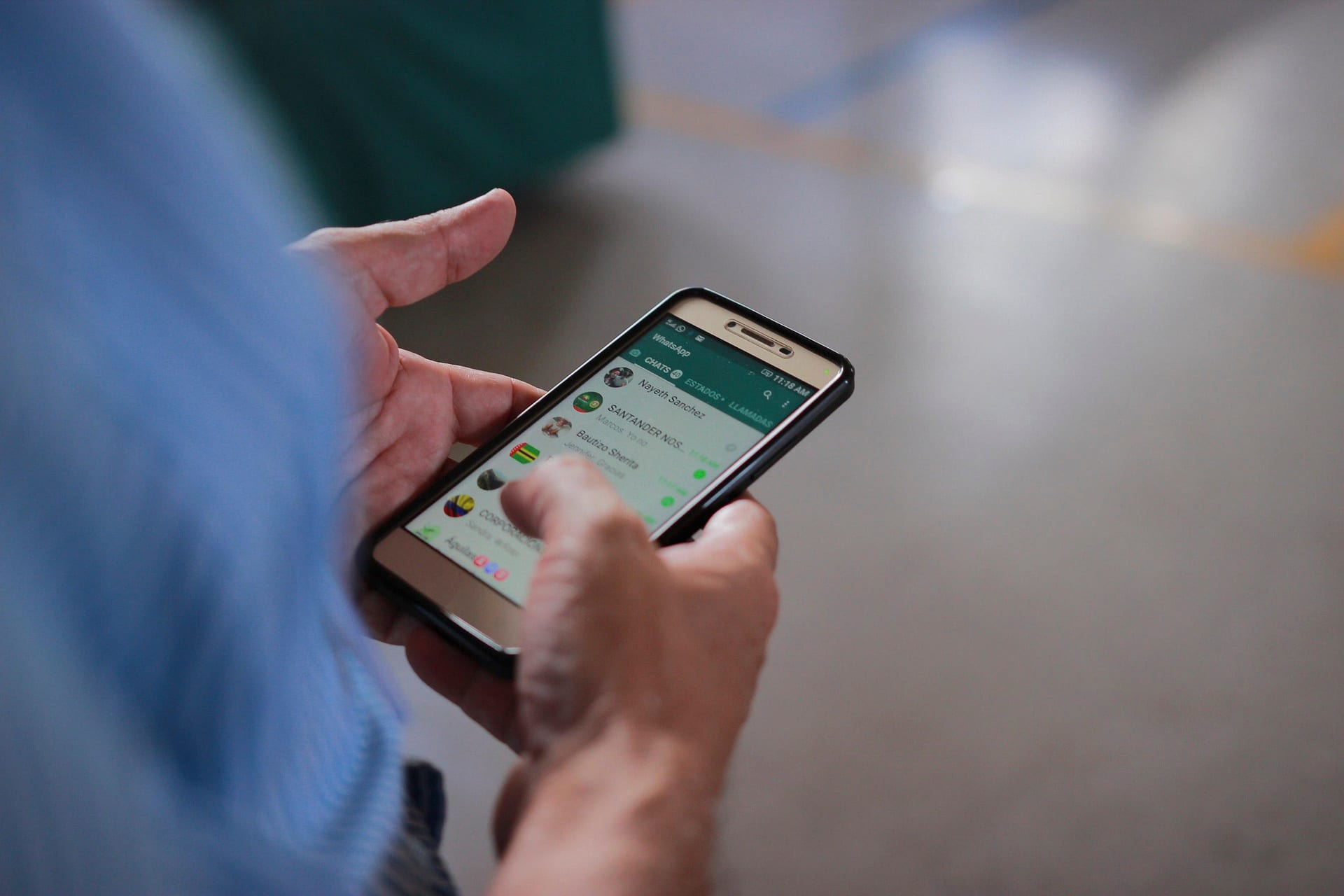
WhatsApp is part of everyday life in South Africa. We use it to speak to family, organise school activities, communicate with businesses and stay connected to community groups.
Criminals exploit that familiarity by taking over or copying WhatsApp accounts and pretending to be someone the victim knows. They often invent an emergency and ask for money to be transferred immediately.
South African banking fraud specialists warn that compromised messaging accounts are being used to send convincing requests for emergency financial assistance.
How the scam works
Criminals may gain access to an account by:
Once the account has been compromised, the criminal can impersonate its owner and contact friends, relatives or colleagues.
A typical message creates urgency:
The name, profile photograph and telephone number may look correct. The criminal may also know personal information from previous conversations or social media.
The safest response is simple: call the person on a number you already know before sending anything. Do not rely on another WhatsApp message as confirmation because the criminal may still control the account.
It is not only about emergency money requests
WhatsApp scams can also involve:
WhatsApp says warning signs include pressure to act quickly, unfamiliar links, requests for personal or financial information, and messages that must be forwarded to others.
Seven ways to protect yourself
1. Verify requests outside WhatsApp
Call the person directly using a trusted number. If they cannot be reached, contact a close relative or colleague who may be able to confirm the situation.
2. Never share a registration code
WhatsApp’s six-digit registration code gives access to your account. WhatsApp says it should never be shared, even with friends or family.
3. Enable two-step verification
Open WhatsApp and review the security options under Settings → Account. Add a recovery email address where this option is available.
4. Check linked devices
Go to Settings → Linked devices and log out of any computer, browser or phone you do not recognise. WhatsApp recommends checking this list regularly.
5. Be careful with links and QR codes
A suspicious link may lead to a fake website designed to steal confidential information. Scan a QR code only when you understand exactly what it will connect or authorise.
6. Treat unexpected signal loss seriously
A cellphone that suddenly loses network service may have been affected by a fraudulent SIM swap. Contact your mobile network immediately, especially if other phones nearby still have reception. Notify your bank if your financial accounts may be at risk.
7. Never approve an unfamiliar banking request
Do not disclose a PIN, password or one-time password. Never approve a transaction you did not initiate or transfer money to a supposedly “safe account” on instructions received through a message or call.
If your account is taken over
Act quickly:
WhatsApp says that successfully re-registering your number logs other devices using the compromised account out.
The bottom line
WhatsApp remains a useful and convenient communication tool. The greatest risk is assuming that a familiar name or profile photograph proves who sent a message.
Pause before sending money, sharing personal information or approving a transaction.
One quick phone call could prevent a costly mistake. |
More from Joburg Insider

Nov 3, 2026
One Binder, Clear Steps, Useful Information
One binder, clear sections and a few essential pages can help your family find important information when you cannot guide them.

Nov 3, 2026
Prepare Before Bringing a Pet Home
A home inspection, permission to keep pets and introductions to existing animals form part of finding the right match.

Nov 2, 2026
A Chance to Earn the Green and Gold
Two Bulls players are among the uncapped selections in Rassie Erasmus’s squad for November’s Nations Championship Tests.

Nov 2, 2026
Find Your Place in Local Community Action
Find practical ways to support your Johannesburg neighbourhood through residents’ associations, organised community action and better municipal fault reporting.
0 Comments
Join the conversation
Be the first to comment
Share your thoughts above.